
Questions and Comments

Please share your comments and questions, and let us know about any issues.

Current Centenary Users

Single Sign On (SSO) to internal resources and secured systems - including Email, OneDrive, Moodle, Self Service, and the Health Portal requires authentication and MFA. Please visit the Account Portal to sign into your Centenary account.

*Career Outlook Data Sources

U.S. Bureau of Labor Statistics - bls.gov
The BLS provides comprehensive salary data for various professions in its Occupational Outlook Handbook. It includes median salaries, job growth projections, and industry-specific information.
PayScale - payscale.com
PayScale offers a large database of salary reports, allowing users to search by job title, degree, and geographic region. It is a useful resource for up-to-date salary ranges based on user-reported data.
Glassdoor - glassdoor.com
Glassdoor aggregates employee-reported salaries for specific jobs and industries. This can be a helpful tool for understanding real-world salary expectations for specific roles.
National Center for Education Statistics (NCES) - nces.ed.gov
NCES provides data on educational outcomes, including salaries for roles in education such as teaching, administration, and counseling, which are useful for degrees related to education fields.
Salary.com - salary.com
Salary.com offers salary ranges and compensation information for a wide variety of professions, including business, finance, healthcare, and more. It is widely used for salary benchmarks.
National Association of Colleges and Employers - naceweb.org
NACE provides salary surveys, especially for recent graduates, and offers data on starting salaries for various fields and industries. This can be particularly useful for entry-level positions.

Apply for Free. No Application Fee.
No Test Scores. No Personal Essays. *

When we say that “We CU,” it means that you are known, understood, valued, and supported here as an individual with unique talents, aspirations, and dreams.

*Select graduate programs may have essay and/or test score requirements depending on the program.


This section is designed to provide information to new employees to be reviewed, completed and returned to Human Resources as part of the onboarding process.

NOTE: If you do not a PDF reader installed on your computer or have issues trying to open the PDF documents below, please download and install the latest version of Adobe Acrobat Reader DC. It is free and can be downloaded from https://get.adobe.com/reader/. Once installed, you may get a prompt on your browser. Click on “Open with Different Viewer” and select Adobe Acrobat Reader DC.

Required Forms

Complete the following and return to HR. (Be sure to save each document before submitting.)

Additional Resources

Voicemail Access

ADP: Entering Work Hours for Hourly Employees

ADP: Navigation

ADP: Self-Registration

Benefits Information (See Employee Benefits)

Campus Map

The Clery Act

Conscientious Employee Protection Act

Diversity, Inclusion & Belonging

Dress Code

Drug Free Annual Notice

Employee Handbook

E-Verify

Faculty Handbook

Family & Medical Leave Act

Flexible Spending Account Enrollment Form (for benefits eligible employees)

Holiday Schedule

ID Badge Process

NJ Paid Sick Leave

NJ Safe Act

Office 365 Guide

Omnilert Emergency Alert System

Paid Time Off

Password Self-Service

Patient Protection Affordable Care Act

Payroll Dates

Quick Reference Sheet

Retirement Plan Information

Romantic or Sexual Relationships

Sexual Harassment/Discrimination Response Policy (Title IX)

Sexual Harassment Prevention & FERPA Training Programs

Supplemental Life and AD&D Insurance (See Employee Benefits)

Tuition Program Information


Feel free to reach out to us directly any time.

Contact Us

Human Resources Department
400 Jefferson Street
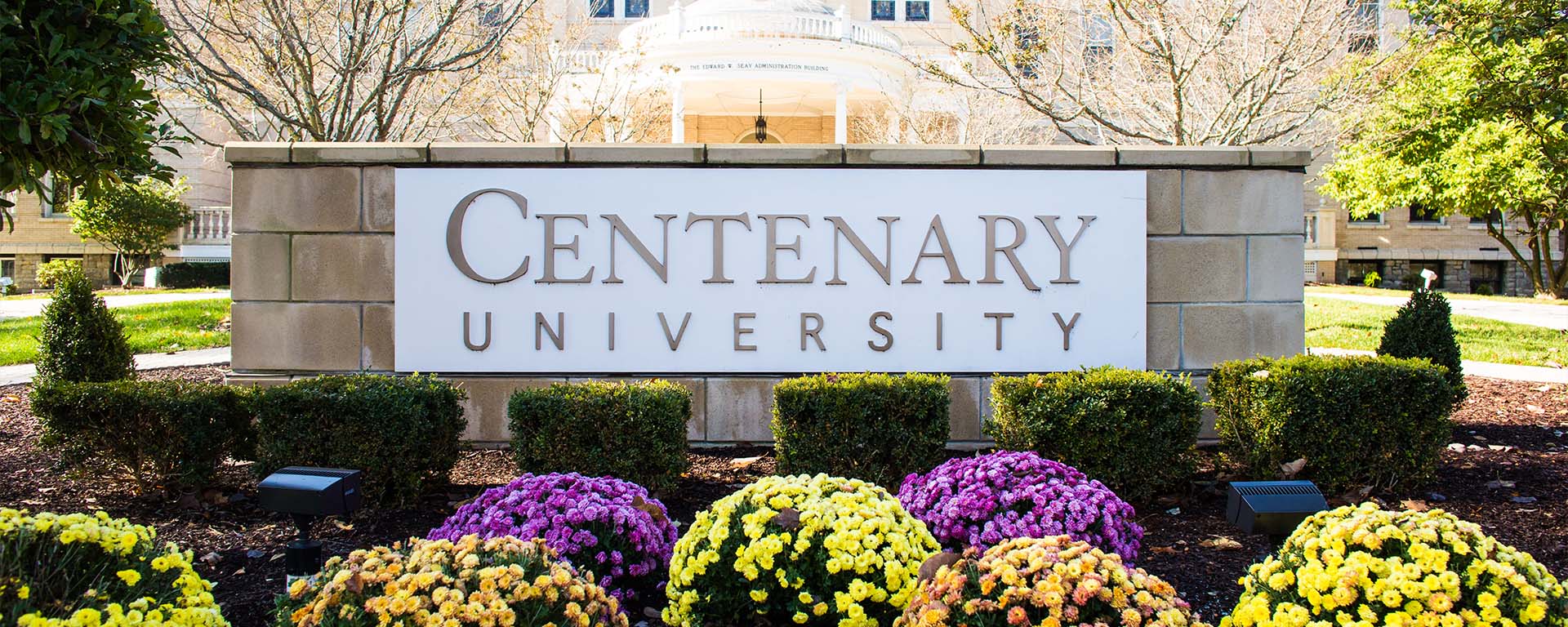
Seay Administration Building
Hackettstown, NJ 07840
(908) 852-1400
hrdept@centenaryuniversity.edu
payroll@centenaryuniversity.edu

Accessing Inaccessible Offices/Personnel

If a student, staff, or faculty member needs assistance from the Human Resources Department and cannot access the office, he/she should call the person with whom they need to meet to make alternate arrangements. Human Resources staff will meet the person in the Front Parlours of the Seay building or arrange for a private meeting in an available and accessible conference room. 

Scroll to Top